

Sometimes you want to include a series of images in a page – such as photos from an event. For this you can use a gallery.
The simple gallery asks you to select the images and them puts them in sequentially. It defaults to 3 images across the page. As you change the screen size, it will reduce the number of images across the page.
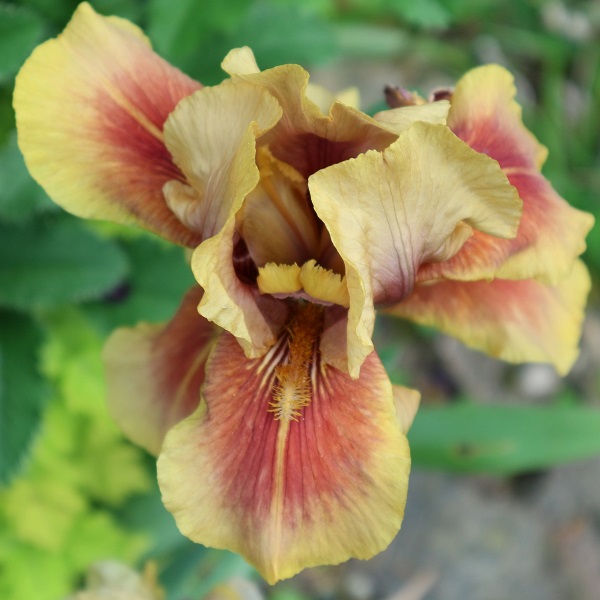
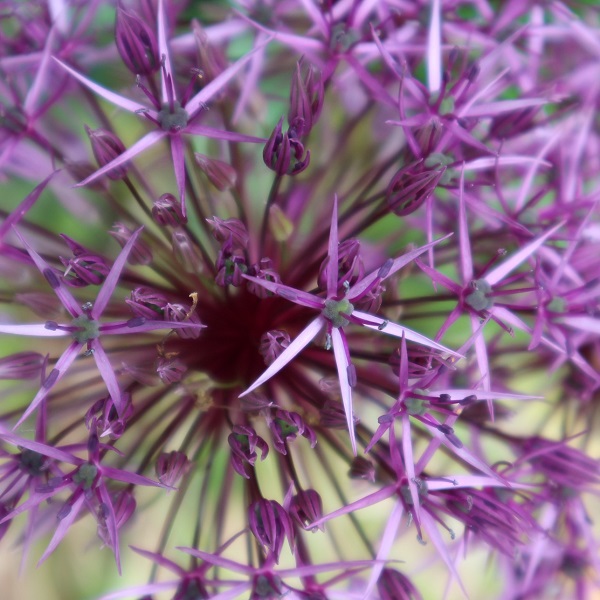
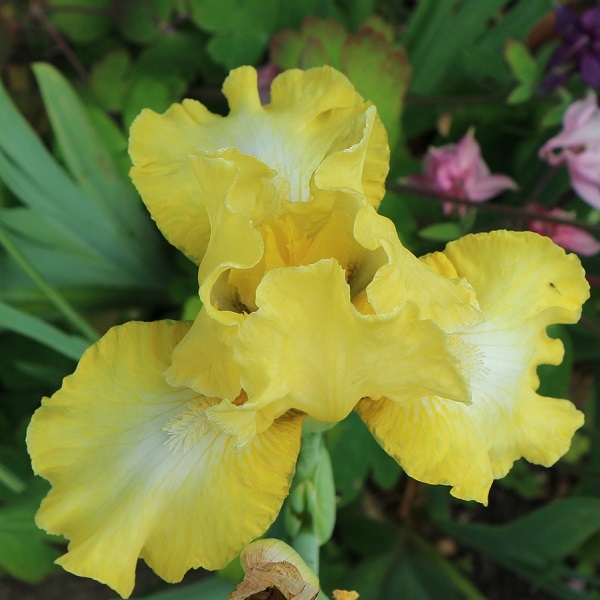
If the number of images does not divide equally into the number of columns, the ones at the bottom of the gallery will be stretched across the page and be much larger than the others.
This is not necessarily what you want, so you need to make sure the number of images divides by the number of columns and every number below it. For this reason, 6 is a useful number of images to have in a gallery as it is divisible both by 3 and 2. For 4 columns, 12 will work.
Links from images
You can link to places from an image at gallery level. the choices are to an attachment page or media file.
The attachment page shows the image (as a thumbnail with the page header and footer around it. You could add a description to the image to describe more about it.
The media link brings it up in a simple image lightbox. There is no top and tail for the image, just a black background. With this theme, there is no lightbox navigation, so you have to click the back button to get out of this mode.
Some themes will apply a proper lightbox with navigation.
If images are different dimensions
With the above gallery, all the images are the same dimensions. What if they are different?
By default, the images are cropped to the same dimension (square in this case), but you can override this cropping.
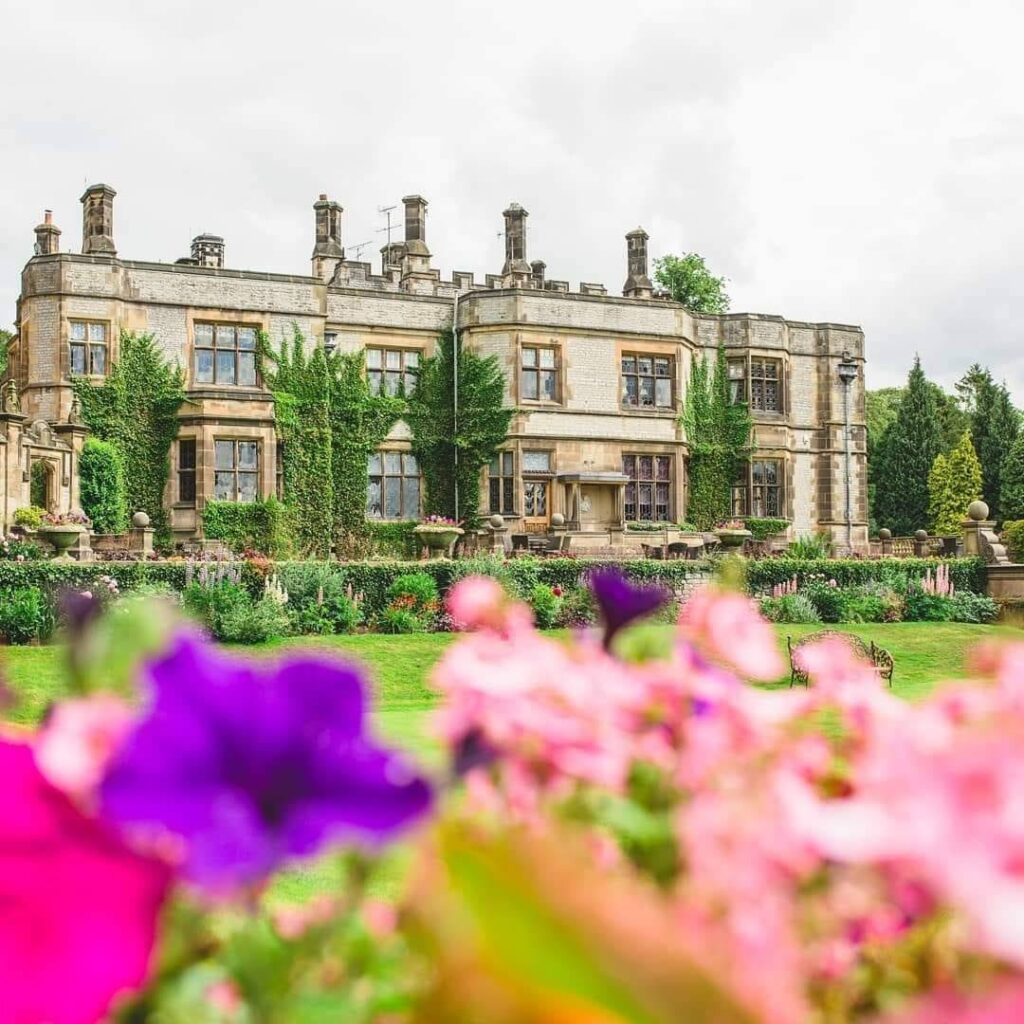
Galleries look better if the images are all the same shape.